10 Strategies To Optimize and Reduce Size of Docker Image
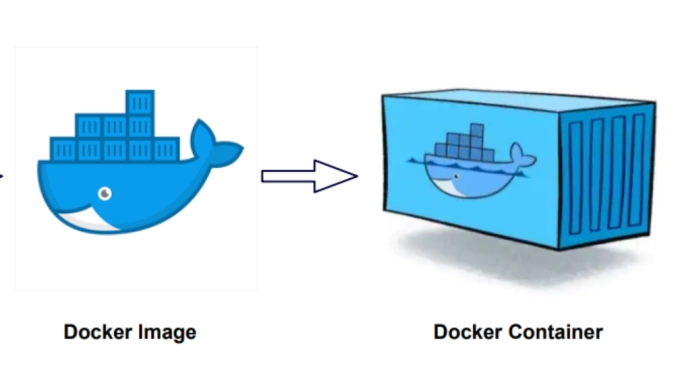
Reducing the size of a Docker image is essential for optimizing resource usage and improving deployment times. Here are some strategies to reduce the size of your Docker image:
Use a Minimal Base Image
Choose a smaller and more minimal base image for your Docker image. Images like Alpine Linux provide a lightweight base compared to traditional distributions like Ubuntu or CentOS.
Multi-Stage Builds
Utilize multi-stage builds to separate the build environment from the runtime environment. This allows you to build your application in one image and then copy only the necessary artifacts to a smaller final image.
Minimize Installed Packages
Only include necessary packages and dependencies in your image. Remove any unnecessary tools or files that are not required for the runtime of your application.
Optimize Dockerfile Instructions
Be mindful of the Dockerfile instructions you use. For example, use specific file copying (COPY) instead of copying entire directories to avoid including unnecessary files.
Use .dockerignore
Create a .dockerignore file in your project directory to exclude unnecessary files and directories from being copied into the Docker image.
Compress Layers
Compress files and directories before adding them to the Docker image to reduce the size of each layer.
Combine Commands
Minimize the number of separate commands in your Dockerfile by chaining them together with &&. This reduces the number of layers in your image.
Remove Cached Data
Clear caches and temporary files during the build process to avoid including them in the final image.
Utilize Docker Image Build Options
Docker provides various build options to reduce the image size. For example, --no-cache to avoid using the cache during the build and --squash to squash all the image layers into one.
Avoid Installing Unnecessary Build Dependencies
When building your application, ensure you only install the necessary build dependencies. Once the build is complete, you can remove them before packaging the final image.
Remember that the specifics of reducing image size depend on the application you are containerizing and the tools you use. By applying these techniques, you can significantly reduce the size of your Docker image without sacrificing functionality.
Cheers,
Ondo Alfry Simanjuntak
Artikel Lain Yang Menarik

Lamudi, perusahaan teknologi di bidang properti, baru saja melaksanakan pemutusan hubungan kerja (PHK) di beberapa departemen. Tindakan mengurangi karyawan ini dilakukan dengan tujuan memaksimalkan pertumbuhan dan meningkatkan efisiensi agar mencapai keberlanjutan bisnis jangka panjang perusahaan. CEO Lamudi Indonesia, Mart Polman, menyatakan... baca selengkapnya

If you’re reading this, chances are you’re running very large Docker containers in production. A Container that’s several gigabytes in size slows deployments, increases bandwidth & storage costs and consumes valuable time of developers. So here’s how you make Docker Images slimmer: Leverage... baca selengkapnya